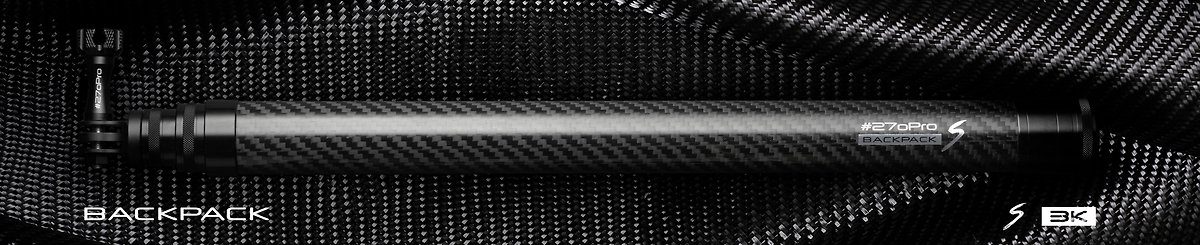

Required to mount any smartphone to your #270Pro.
HOW TO USE
1. Turn on your Bluetooth remote shutter by moving the side switch into the “ON” position.
2. Open the Bluetooth options on your phone. On most phones, this can be done by going to “Settings” and then selecting “Bluetooth” (on Android phones you may go to “Apps” first and then select “Settings” from your list of applications in order to get to Bluetooth).
3. Once you have Bluetooth open, select the device “AB Shutter” from the list of device options. You may need to wait for a few seconds but it should soon say “Connected.”
4. While using your Bluetooth Remote Shutter, press the appropriate button to take a picture.
Phone mount and Remote
iOS and Android Compatible, not water proof.
Width between 55mm - 80mm


Product Description
Product Details
- Material
- Plastic
- How It's Made
- Machine-made
- Where It's Made
- Taiwan
- Stock
- Down to the last 0
- Ranking
- No.34,592 - Electronics | No.957 - Phone Stands & Dust Plugs
- Popularity
-
- 3,230 views
- 13 sold
- 17 have saved this item
- Product Type
- Original Design
- Listing Summary
- Required to mount any smartphone to your #270Pro.
Shipping Fees and More
- Shipping
- Payment method
-
- Credit/debit card payment
- Alipay
- Refunds & Exchanges
- Read more about refunds and exchanges
- Report
- Report this item